
AIR One is the perfect addition to your live event flypack to capture better multicam video than ever before. With full 4K+ cinematic beauty, it offers a turnkey multicam solution for smaller events, or a cost-effective way to augment traditional production.
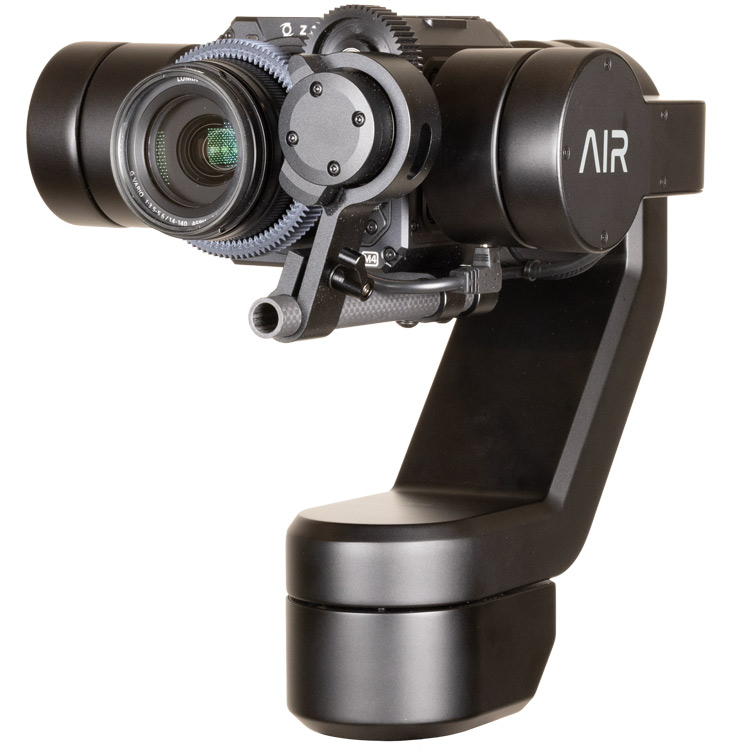
AIR One supports any micro 4/3 lens up to 300mm in length, flies a number of different camera models, connects directly to ethernet from the robot, and seamlessly integrates into any production environment.
Auto-balances and mounts anywhere, reduces on-set hardware; increases shot coverage.
Onboard CPU enables smart functions.
Plug-and-play networking and power, and quick-release mount saves days of IT labor and setup labor.
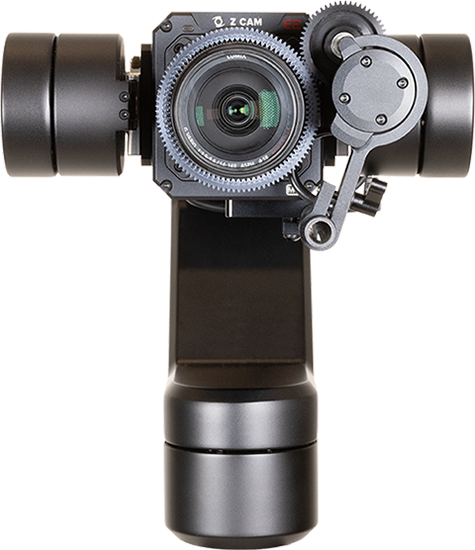


Z Cam 4k MFT camera and swappable lens gives you great video and versatile shooting options.
Rotation, speed, and human-like PTZ movement enables wider Pro AV use.
Versatility to stream direct from robot or plug in to a traditional broadcast network.


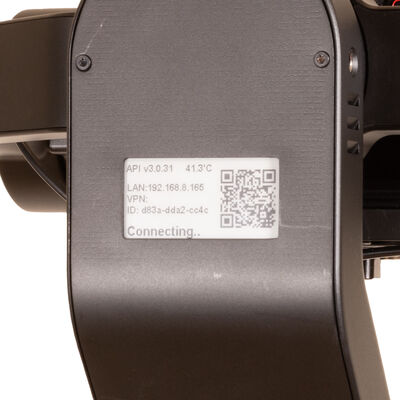
The eInk display on the back of AIR One gives onsite techs all relevant information at a glance: device status, IP address, and device name. This quick information display saves valuable time during production.
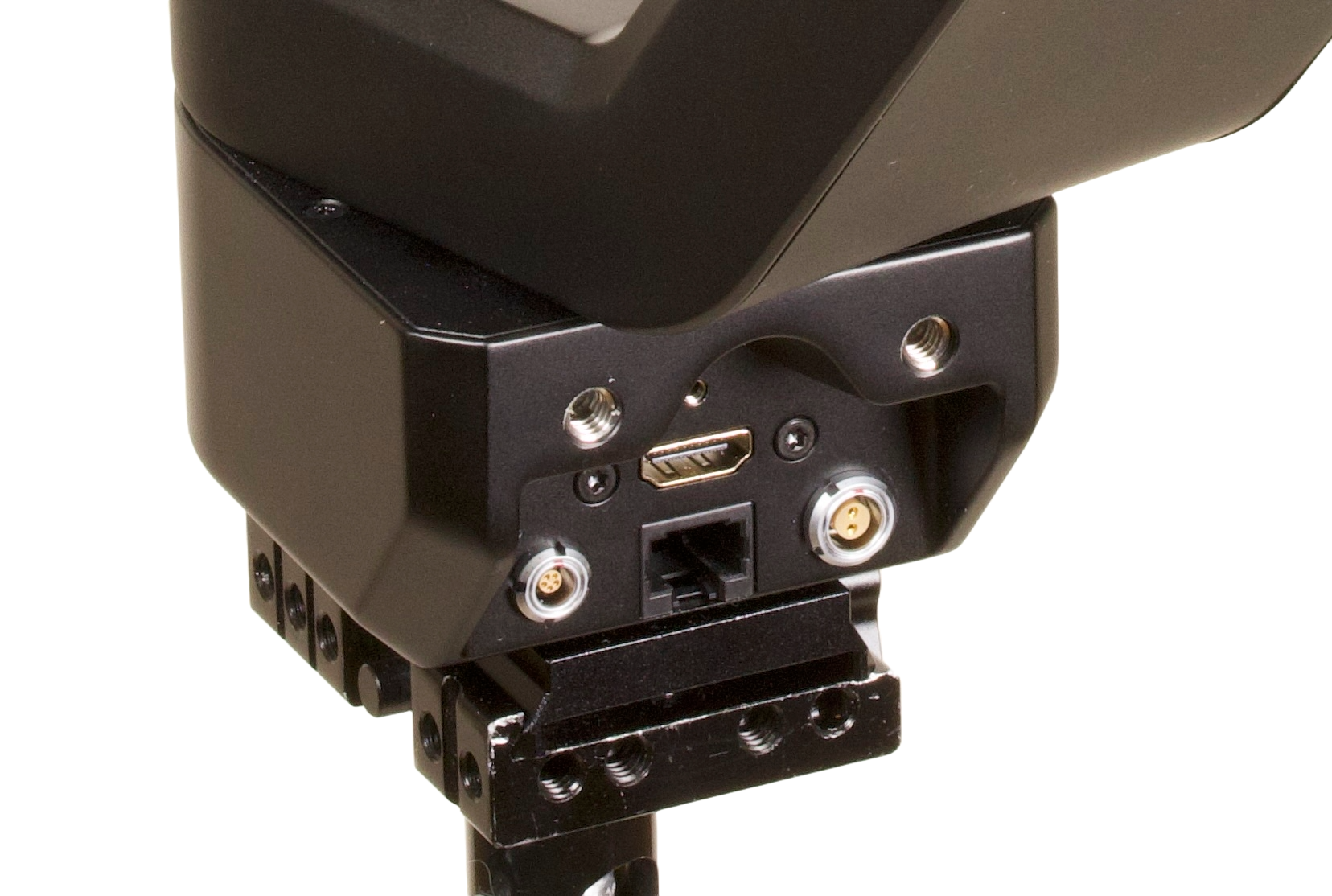
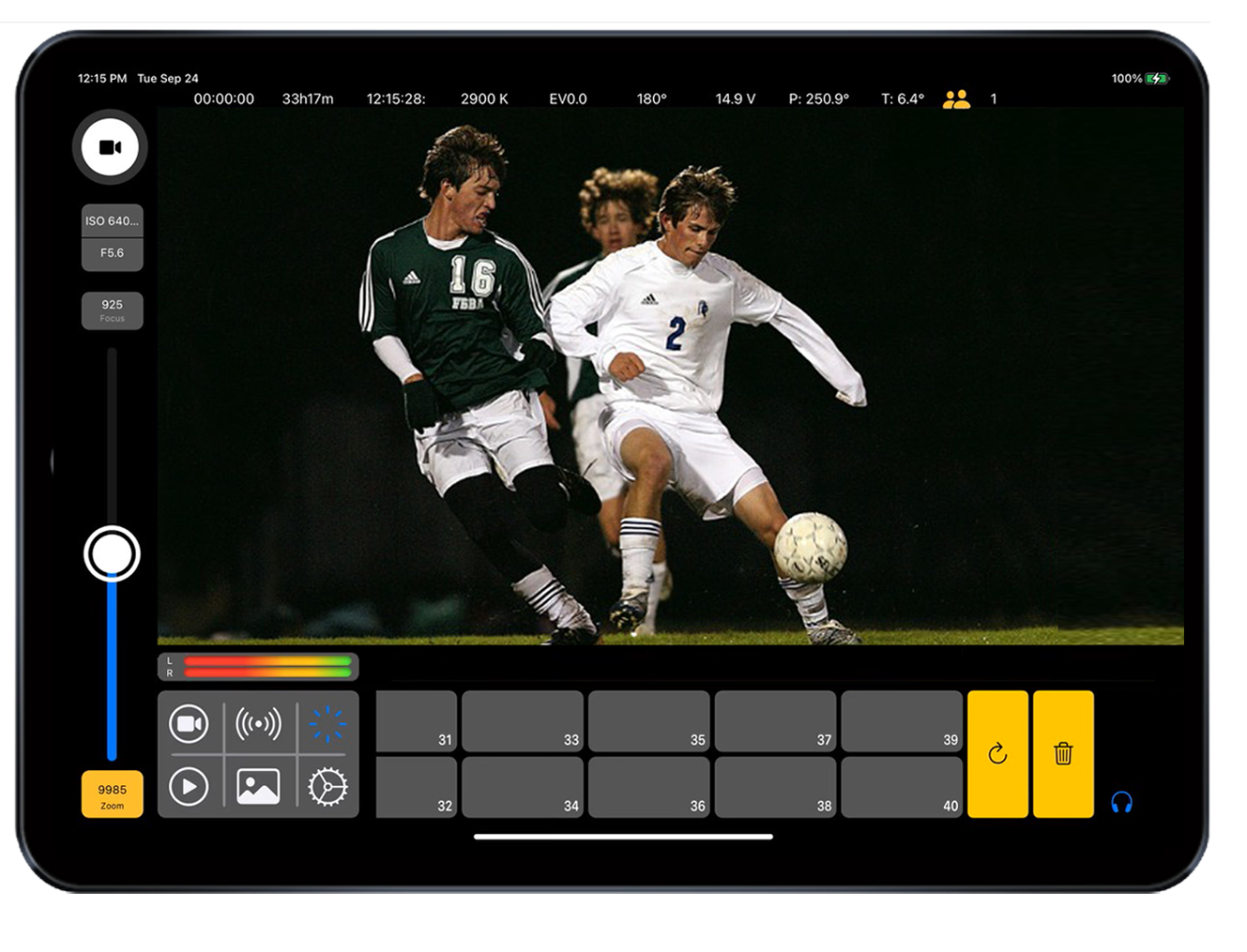
You can run multiple AIR One robots on a standard gigabit ethernet network. Connecting the AIR One to an iPad is easy with auto-discovery; simply select your robot from the list to connect. Video out over HDMI or via SRT stream over ethernet. Stereo XLR audio into the robot is available using the 5-pin LEMO-type port.
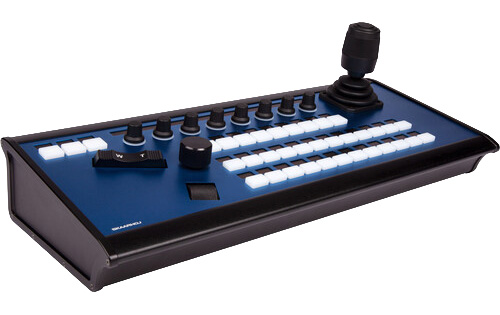
For productions that demand hands-on camera control, AIR seamlessly integrates with SKAARHOJ professional joystick controllers. Operators can instantly transition between AIR's intelligent AI autotracking and precise manual operation using familiar broadcast hardware.

Quick how-to setting up an AIR One robot to send control over LAN and video/audio over fiber tie lines back to video control room for on-prem hardware based switching.
Quick setup guide for AIR One.
AIR CEO Kevin McClave walks through the steps to setup and shoot with AIR One in under 2 minutes.
Beauty sizzle reel of AIR One in studio use.